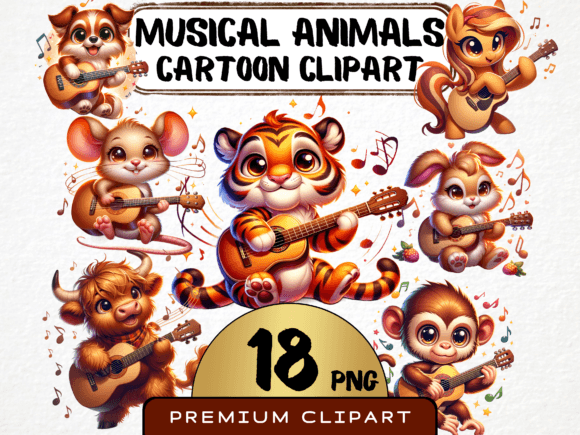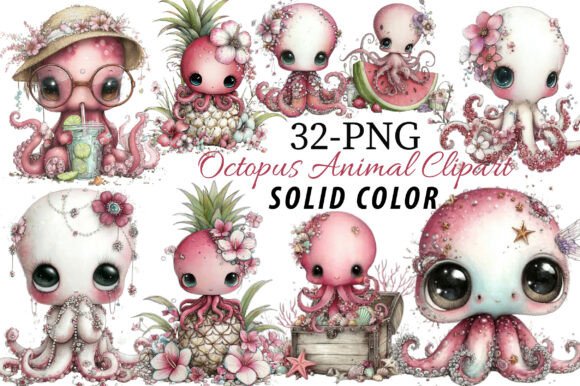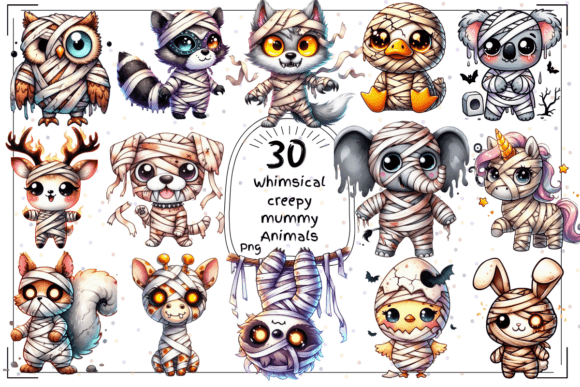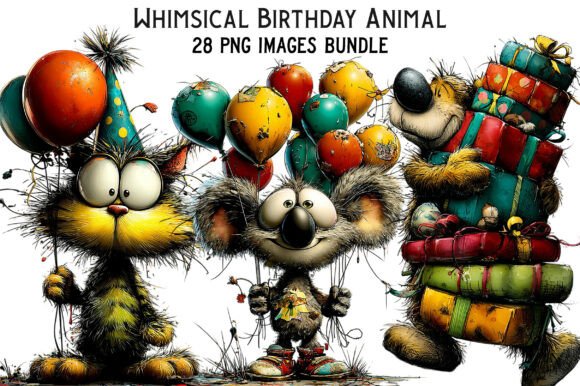
Animal Face Watercolor Clipart: Whimsical Designs
If you have spent any time browsing Etsy for design assets or scrolling through Instagram for branding inspiration, you have likely noticed a specific trend taking over the creative world: the blending of organic textures with digital precision. We are moving away from the overly polished, flat vector graphics of the last decade and embracing something warmer, more tactile, and deeply personal. This is exactly where the Animal Face Watercolor Clipart collection shines. It captures the messy, beautiful reality of watercolor paints—those soft bleeds, the texture of the paper, and the vibrant saturation of wet pigment—and translates it into a versatile digital format.
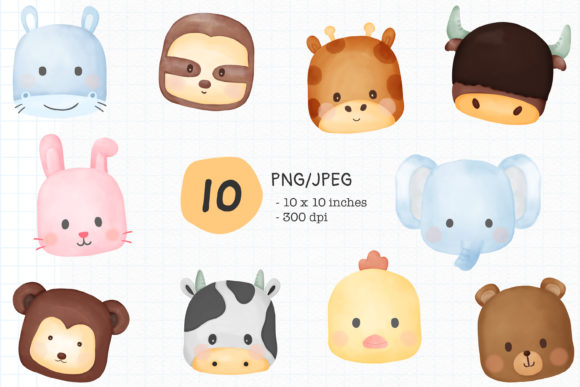
But this isn’t just about a set of cute drawings. When you download this collection, you are receiving 10 PNG files with transparent backgrounds and 10 JPEG files with white backgrounds. The specifications are built for professional use: 300 DPI at a massive 3000 x 3000 pixels (10x10 inches). This high resolution ensures that whether you are printing a massive banner or scaling down for a tiny icon, the integrity of the watercolor brushstrokes remains intact. Plus, the purchased art is clean—no watermarks to edit out or work around.
Defining the Aesthetic: More Than Just a Cute Face
Let’s talk about the visual language of these assets. The "Animal Face" style refers to a specific illustration technique often used in modern branding. These aren’t hyper-realistic wildlife photos, nor are they stiff, cartoonish vectors. They sit in a sweet spot: stylized, adorable, and expressive. The watercolor medium adds a layer of sophistication that flat digital art often lacks. It implies craftsmanship. It suggests that a human hand was involved in the creation, which resonates deeply with audiences looking for authenticity in a digital age.
The appeal lies in the texture. In the world of modern typography and design, texture is king. A flat logo can feel corporate and cold; a watercolor illustration feels approachable and warm. The "face" aspect is crucial for brand identity. Humans are hardwired to respond to faces. By using animal faces, you trigger an immediate emotional response—usually one of affection or curiosity—before the viewer even reads a word of your text. This is a powerful psychological tool for logo design and packaging design.
Strategic Applications for Professionals and Creators
How do you actually use these assets to elevate your work? The versatility of a premium font or high-quality clipart set lies in its adaptability. Here is how different audiences can leverage this specific collection:
- For Branding and Entrepreneurs: If you are launching a pet shop, a children’s clothing line, or a boutique bakery, these faces are perfect for your brand identity. Use them as mascots. A consistent mascot builds recognition. When your Instagram posts, your website header, and your packaging all feature the same stylized watercolor bear or fox, you create a cohesive visual ecosystem that customers remember.
- For Packaging Design: Physical products need shelf appeal. The organic feel of watercolor suggests natural ingredients or handmade quality. Imagine a tea box or a candle label featuring these animal faces. It immediately elevates the perceived value of the product, making it look like a premium offering rather than mass-produced generic goods.
- For Web Design and Digital Media: While these are images, not a typeface, they function similarly to a display font. They grab attention. Use them on landing pages to break up text-heavy sections, or as featured images in blog posts to increase click-through rates. They add personality to social media graphics without requiring you to hire an illustrator for every single post.
- For Crafters and Hobbyists: The 3000x3000 pixel resolution at 300 DPI makes these files perfect for print-on-demand services. You can easily print them onto iron-on transfers for t-shirts, mugs, tote bags, or greeting cards. The transparent PNGs are particularly vital here, allowing you to layer the animal faces over different backgrounds or combine them with script fonts and handwritten fonts for a custom look.
Integrating Clipart with Typography and Layout
One of the biggest challenges in design is balancing imagery with text. When you introduce a strong visual element like an Animal Face Watercolor Clipart, your typography choices become even more critical. You need to create a hierarchy where the image and text support each other rather than competing.
Because these watercolor assets are organic and somewhat "busy" due to their texture, they pair best with cleaner typefaces. A sans serif font is often an excellent choice here. The geometric simplicity of a sans serif provides a modern counterpoint to the traditional feel of the watercolor. Conversely, if you want to lean into the whimsical nature of the animal faces, a script font or handwritten font can work, provided it is legible.
However, avoid using these illustrations with highly decorative serif fonts or complex display fonts that have their own heavy textures. You want to avoid visual clutter. The rule of thumb is: if the illustration is detailed, keep the typography clean. This contrast ensures readability and creates a clear visual hierarchy. The animal face draws the eye in, and the clean text delivers the message.
Evaluating Fit and Licensing
Before you commit to using these assets, consider the "voice" of your project. The Animal Face Watercolor Clipart has a distinct personality. It is friendly, playful, and soft. It works brilliantly for brands targeting families, pet owners, nature lovers, or the wellness space. It might be less effective for a law firm, a heavy machinery manufacturer, or a high-tech SaaS company where the visual language needs to be strictly corporate and minimal.
When integrating these into your workflow, treat them like a creative font. You wouldn't use a display font for body text; similarly, you shouldn't clutter a design with too many watercolor elements. Use them as focal points. One strong animal face on a flyer is an accent; five of them is a mess.
Finally, always respect the licensing. Since these are design assets intended for both personal and commercial use (implied by the professional specifications), you can use them in client work and products for sale. However, you cannot resell the raw files as your own digital asset. The value you provide is in how you combine these assets with your own creative vision—pairing them with the right font, arranging them in a compelling layout, and applying them to solve a specific design problem.
Practical Tips for File Management
With 20 files total (10 PNG, 10 JPEG), organization is key. Here is a quick guide to managing your new design assets:
- Use the PNGs for Layering: The transparent background is your best friend in Adobe Photoshop, Canva, or Affinity Photo. You can place these faces over photos, patterns, or colored backgrounds without worrying about a white box appearing around the edges.
- Use the JPEGs for Print-Ready Layouts: If you are placing the image in a Word document, a PDF, or a layout program where you want a white background to be part of the design (or where transparency isn't supported), use the JPEGs.
- Check Your Scaling: While 3000x3000 pixels is large, if you are printing something massive like a trade show backdrop, ensure you check the resolution scaling. For standard flyers, business cards, and web use, these files are more than sufficient.
In the end, the goal of using Animal Face Watercolor Clipart is to inject humanity and warmth into your digital projects. It bridges the gap between the precision of modern typography and the charm of hand-painted art. Whether you are building a brand identity from scratch or refreshing your social media graphics, these assets offer a practical, high-quality way to stand out.